
Intro to Bootstrap and the documentation.
Bootstrap is an open source toolkit for developing with HTML, CSS, and JS. Quickly prototype your ideas or build your entire app with our Sass variables and mixins, responsive grid system, extensive prebuilt components, and powerful plugins built on jQuery.
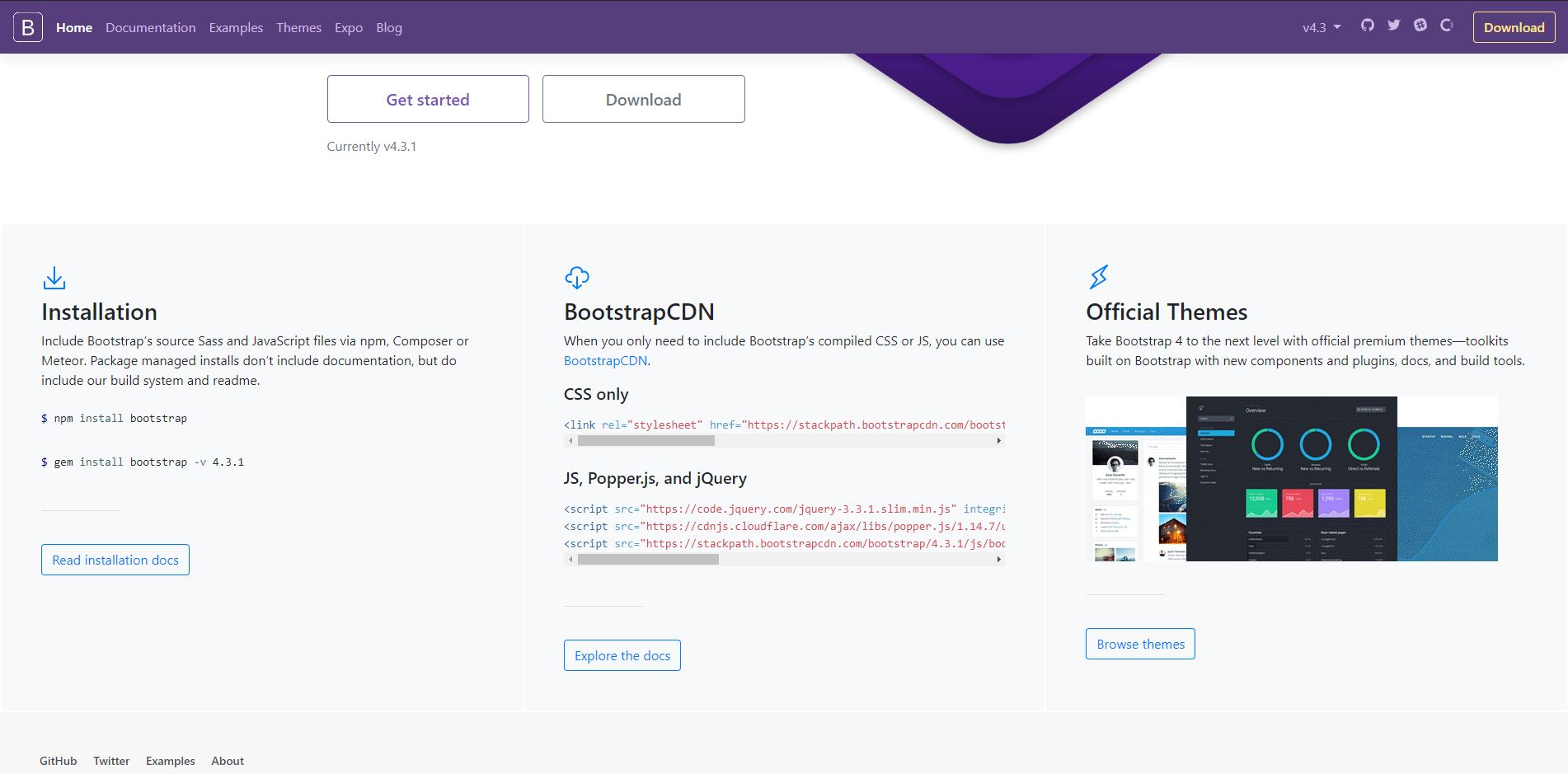
They provide all the resources so you can start using their prebuilt components. You can use their CDNs, you can install bootstrap through npm or just download the files on your computer.
In their documentation they explain everything. They explain all the prebuilt components they show and they want to make the developer’s life easier and beautiful. Bootstrap has a unique design that is very popular.
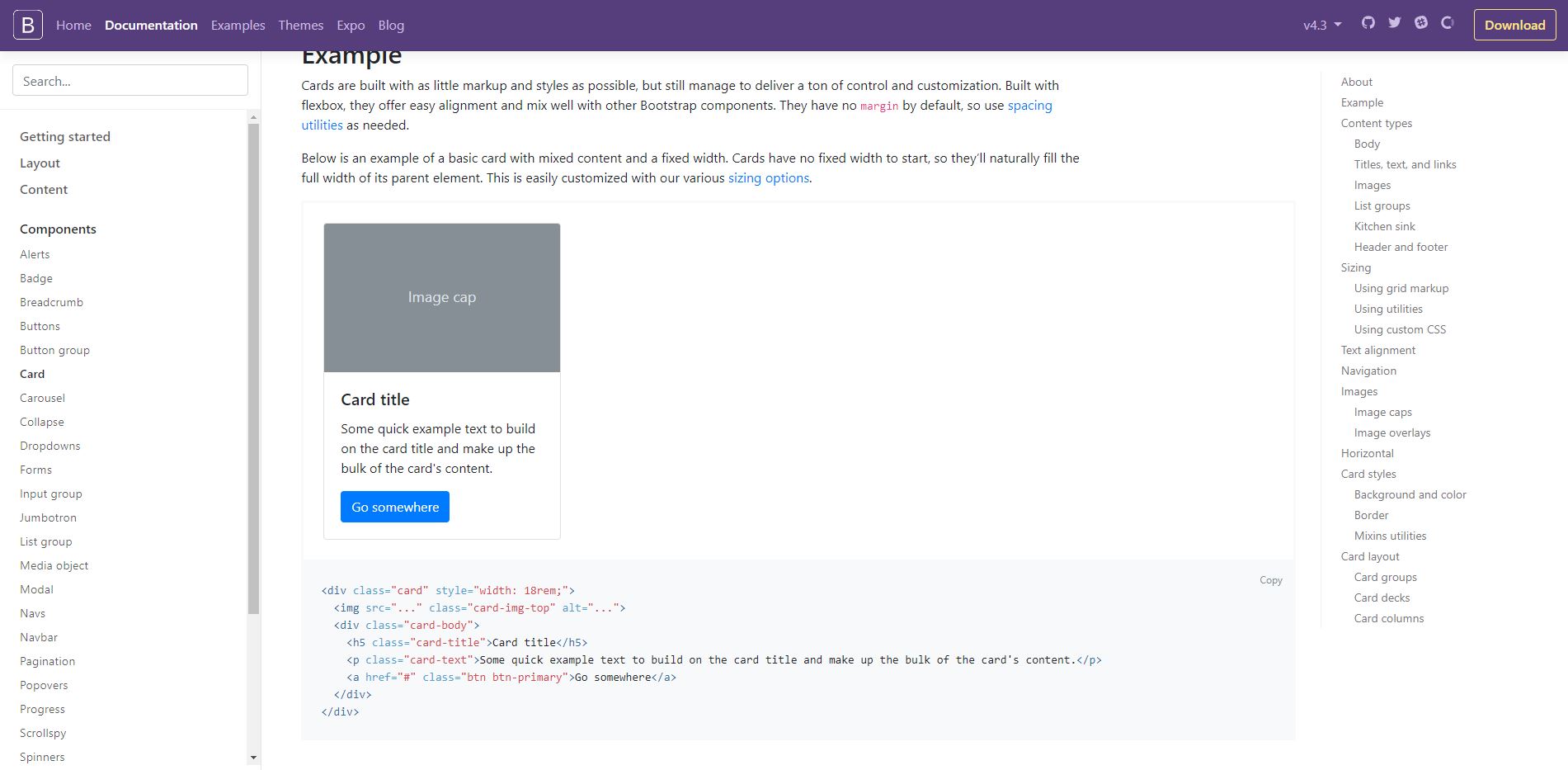
Out of all the prebuilt components that they offer, the card is my favorite prebuilt component. The fact that they have all the code there makes it very easy to understand and copy it! They provide a lot of different kinds of cards that you can choose from.
On all the components that they show, they also have the code you need for it to be built. The way Bootstrap works is that they came up with their own css classes and that’s what makes it really easy to use. They have css classes for almost anything you want: font sizes, text colors, background colors, all kinds of css options available that can easily be used just with some classes.
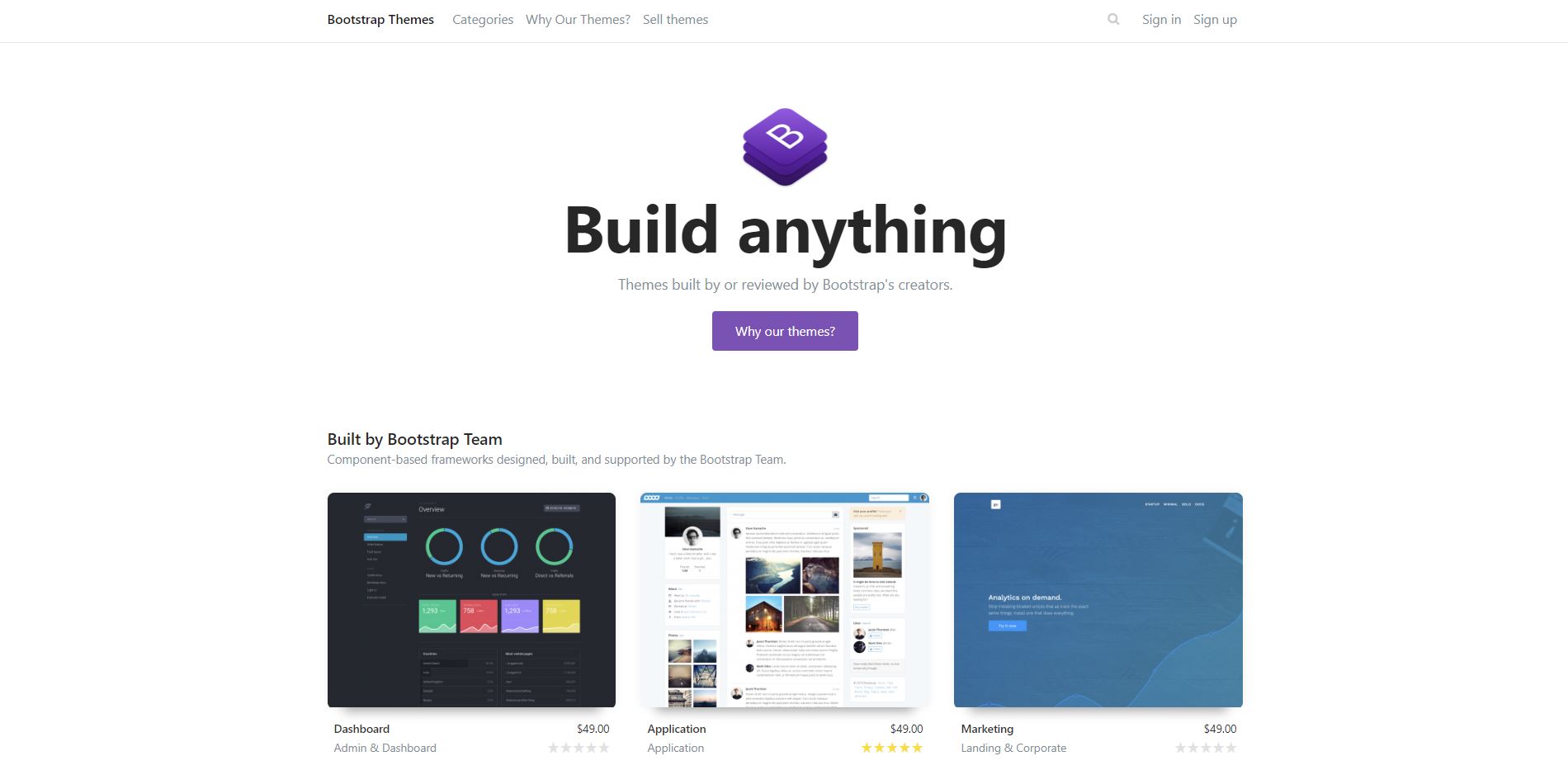
One more thing that Bootstrap provides is a choice of themes. You can buy their themes that are fully built with Bootstrap and they are really easy to edit if you learn Bootstrap. The themes that they show look really good and you can get inspired from those themes.
 Code Daily